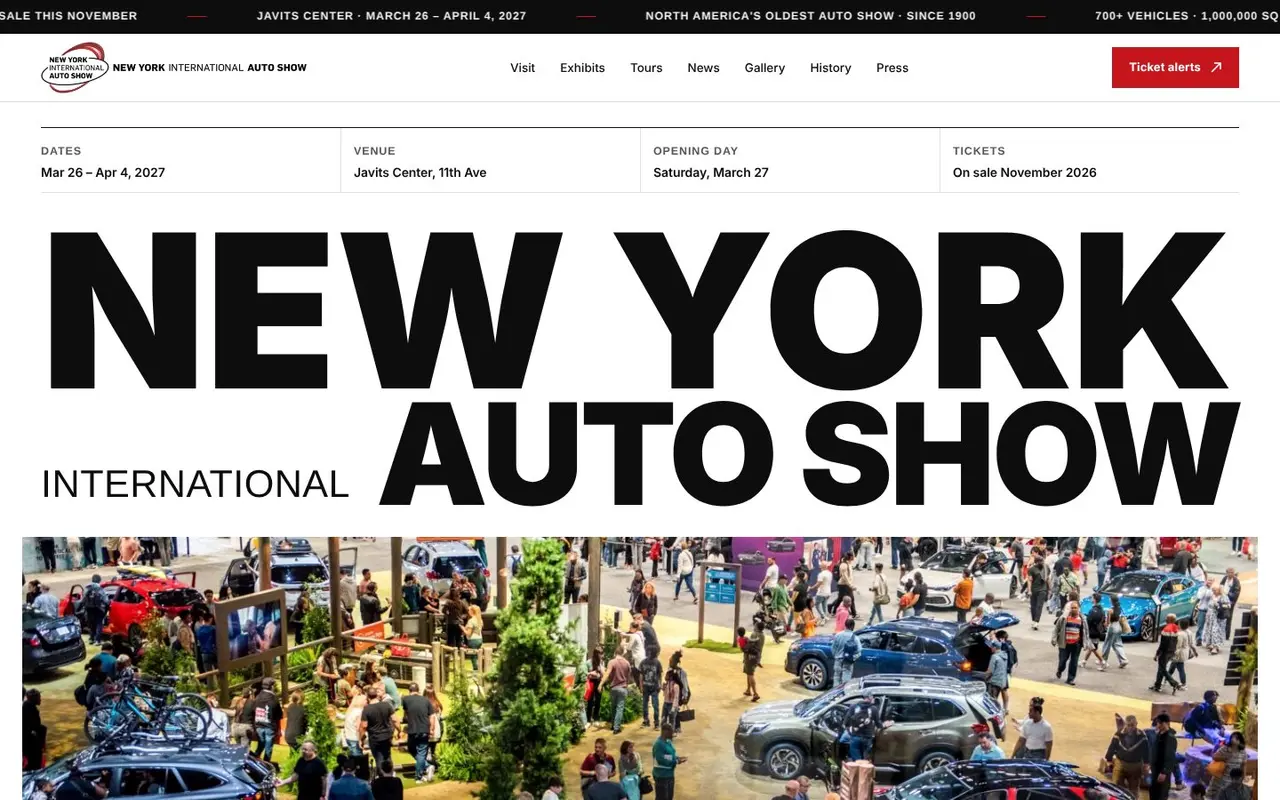

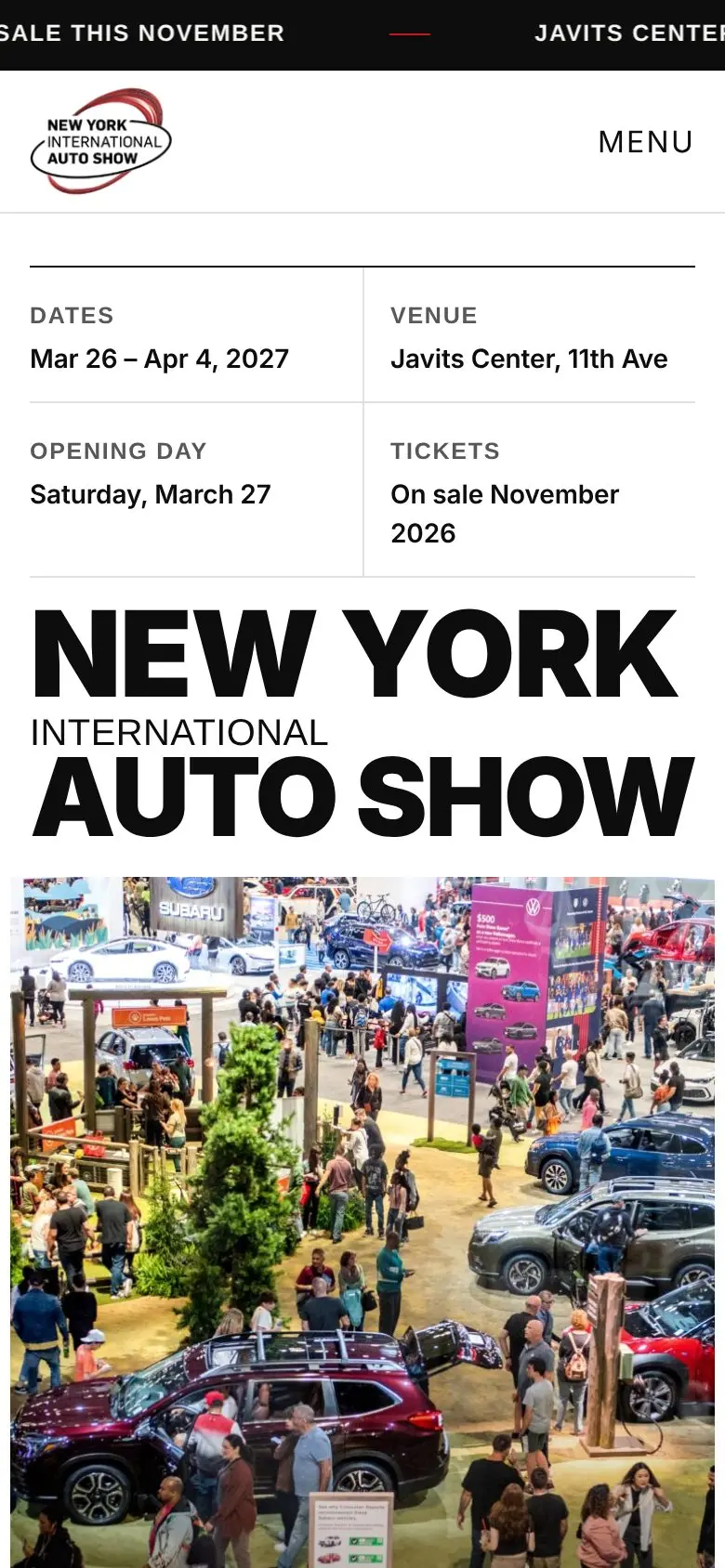
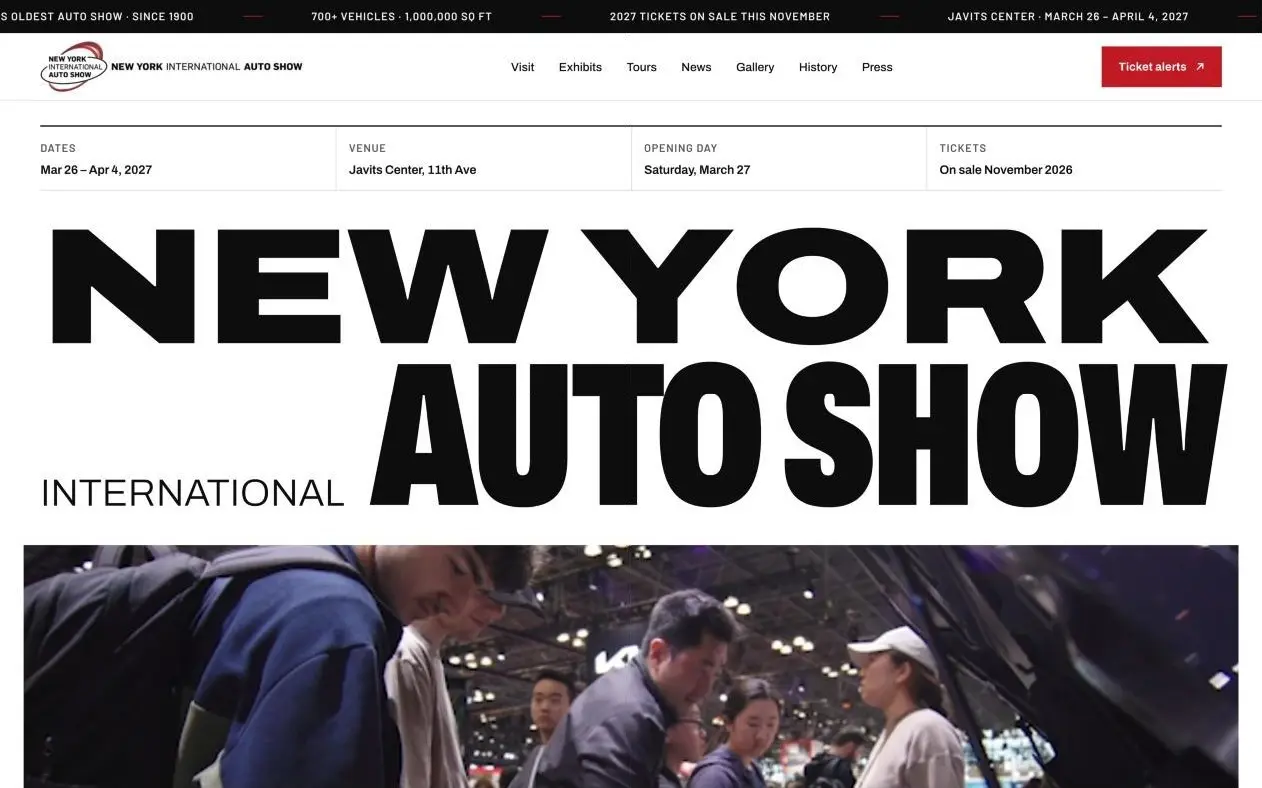
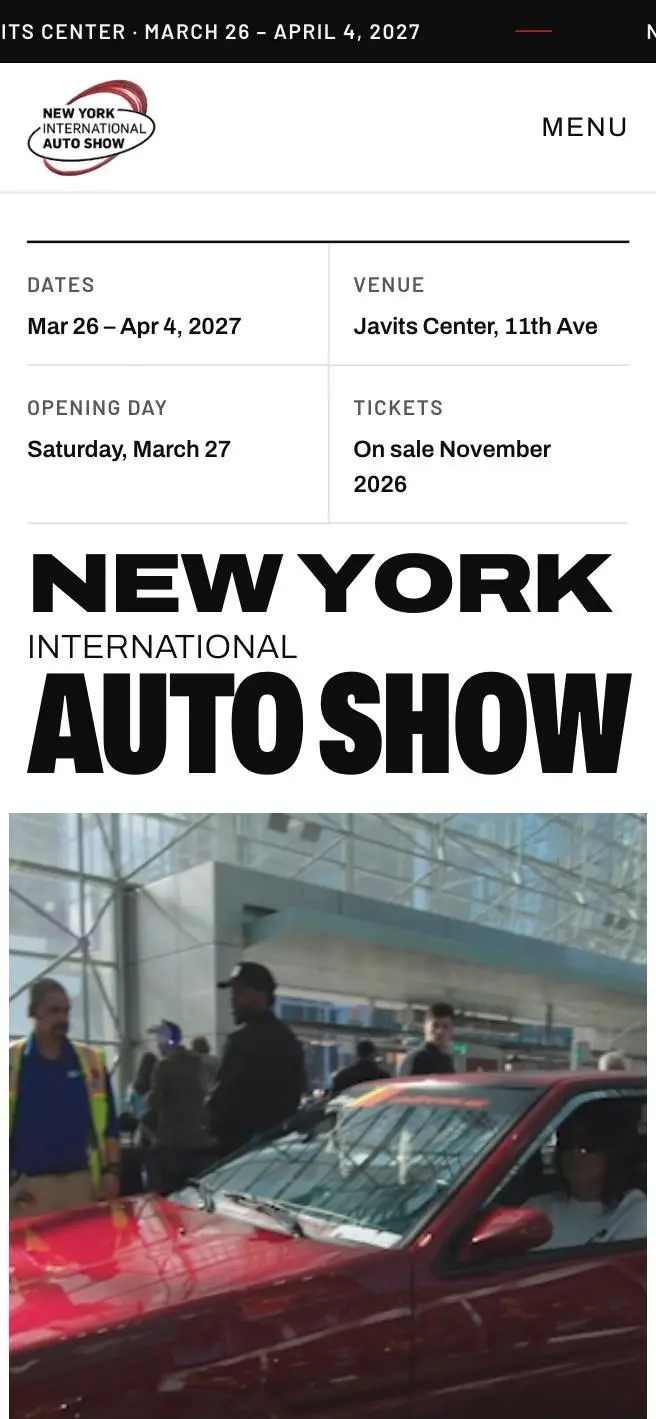

New York International Auto Show home page with the full-width name

New York International Auto Show

A show site that reads like the show floor

  • Custom Web Development
  • Content Management Systems
  • Event & Program Portals
  • Site Modernization & Audits
  • Technical SEO & Performance
  • ADA Accessibility Compliance

The rebuild in numbers

Home page download
42 MBBefore: was 376 MB
JavaScript
156 KBBefore: was 1.1 MB
Largest paint, desktop
1.7 sBefore: was 2.2 s
First ticket link
HeaderBefore: was 2 screens down
Images with no alt text
0Before: was 101
H1 headings on the home page
1Before: was 40

Measured on both home pages on November 18, 2026, in the same browser, at 1440 by 900. The old page loaded its highlight photos as camera originals, up to 46 MB each at 8256 pixels wide, to show them 803 pixels wide.

The New York International Auto Show is the oldest in North America: ten days at the Javits Center every spring since 1900. The old site opened on a video, then buried the dates, the debuts and the ticket link under news from a show that had already closed. We rebuilt the home page around what people come for: when it's on, what's new and how to get there.

What we did

  • Custom Web Development
  • Content Management Systems
  • Event & Program Portals
  • Site Modernization & Audits
  • Technical SEO & Performance
  • ADA Accessibility Compliance

Built with

  • WordPress
  • Pantheon hosting
  • Archivo variable type, Barlow labels
  • Hand-drawn SVG map and turntable
The full New York International Auto Show home page from top to bottom
The whole home page
The new auto show home page on a phone
On a phone

We started from the questions people ask before they buy a ticket: when, what's new, what can I ride and how do I get there. Every section on the new home page answers one of them.

Dates, debuts and directions first. Everything else is one click away.

Before and after

The first screen

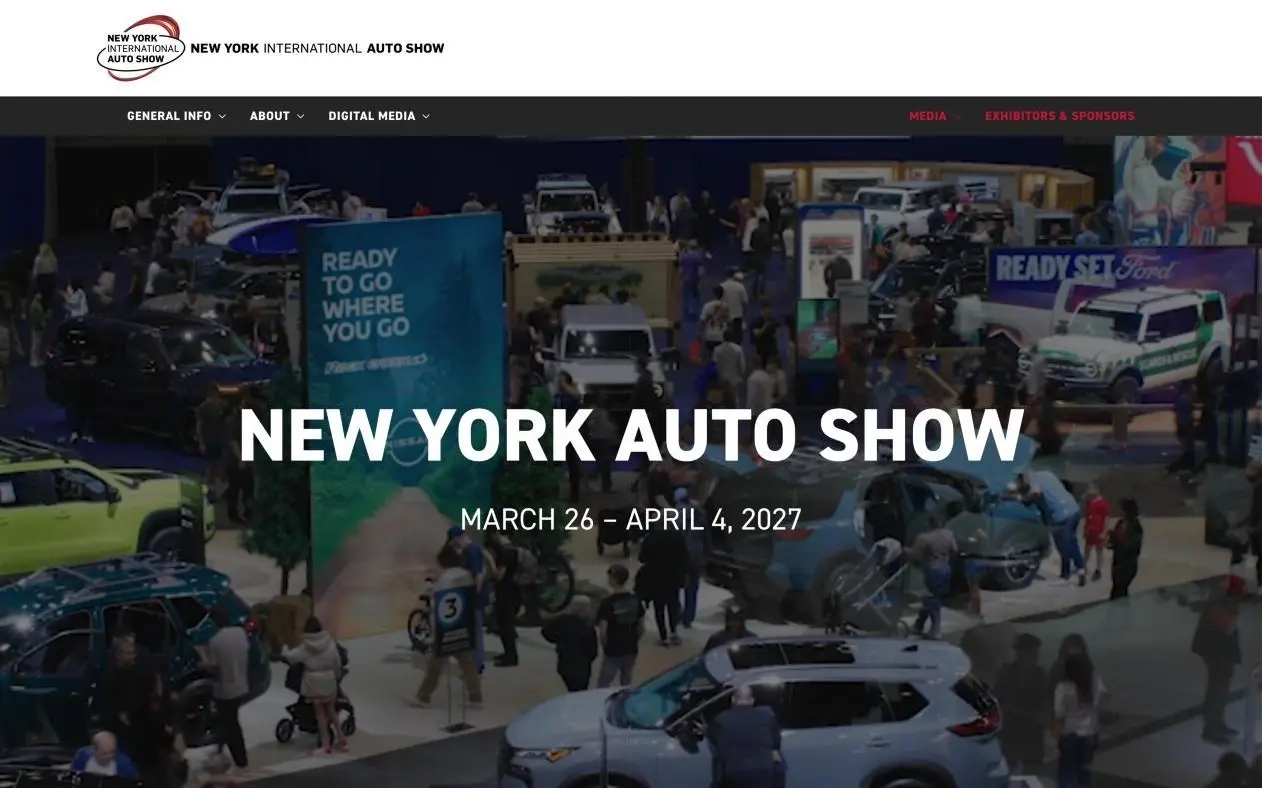
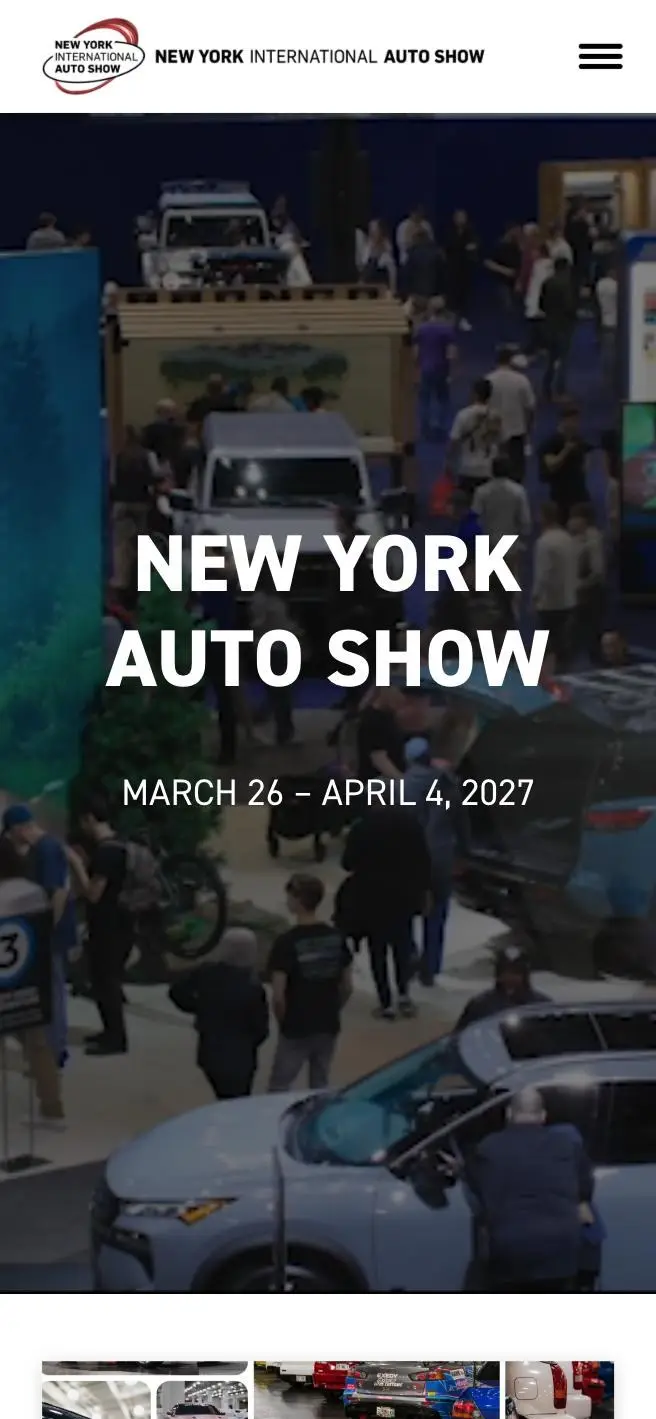
BeforeThe name and the dates over a video, and nothing to act on. On a phone the first ticket link is almost three screens down.

AfterDates, venue, opening day and ticket status in one strip, then the name across the full width.

BeforeBefore: Old auto show home page: the name and dates over a video, desktopBefore: Old auto show home page: the name and dates over a video, phone
AfterAfter: New auto show home page: dates, venue, opening day and ticket status above the name, desktopAfter: New auto show home page: dates, venue, opening day and ticket status above the name, phone

The news

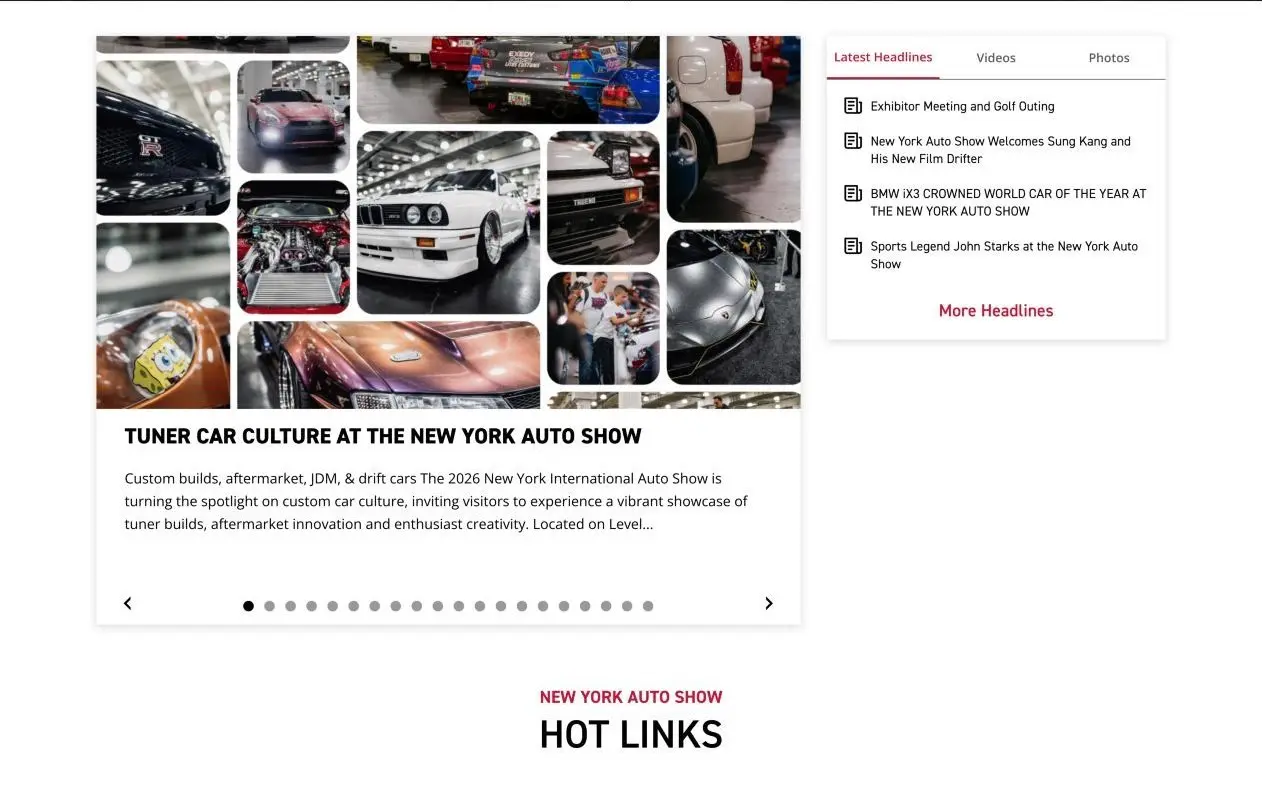
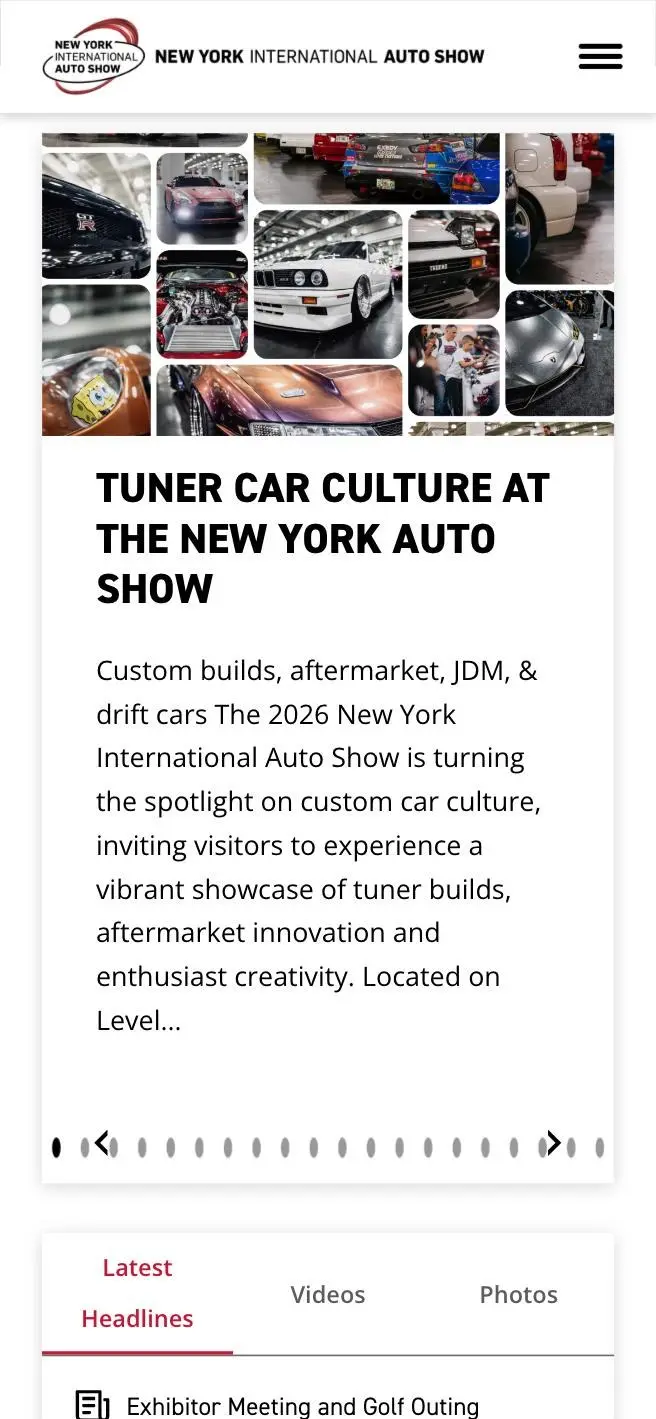
BeforeA 19 slide carousel of stories, most from a show that had already closed. On a phone the dots run under the arrows.

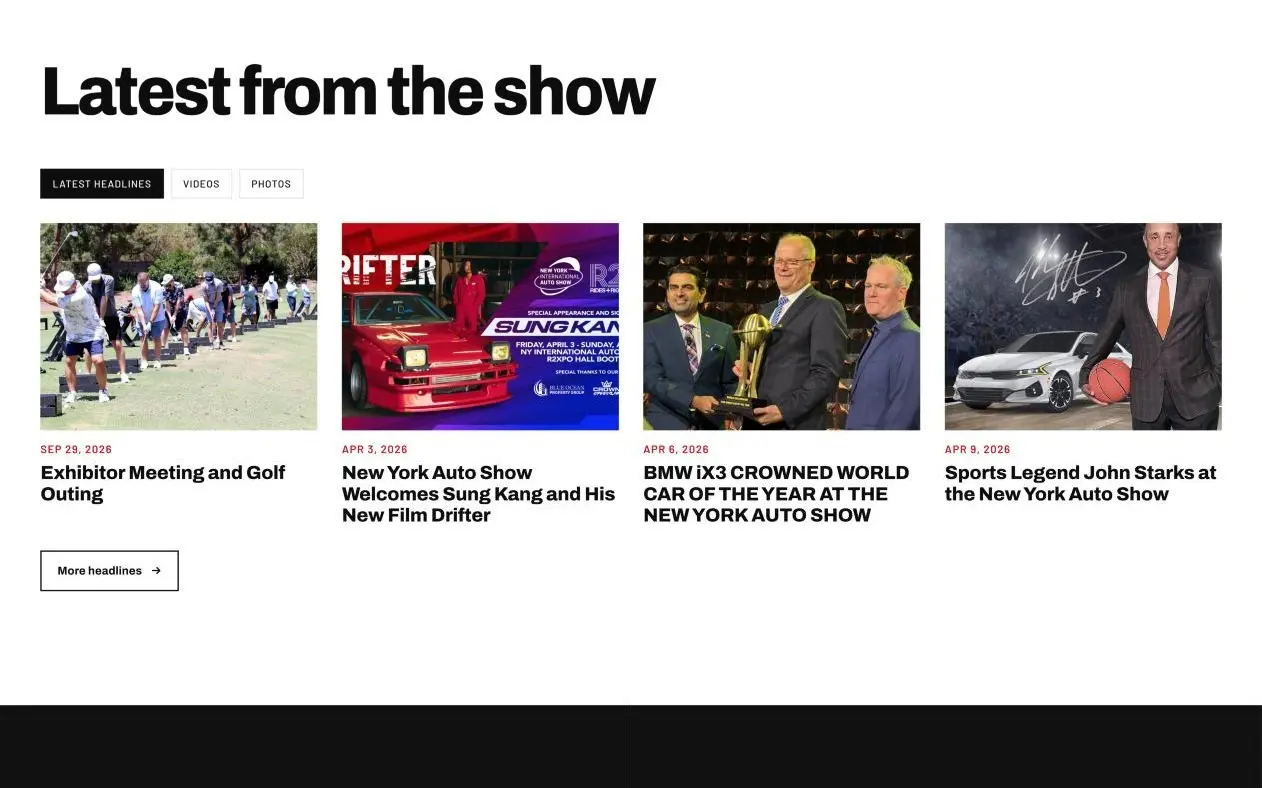
AfterDated stories in a grid, with headlines, videos and photos as three filters on one list.

BeforeBefore: Old home page news carousel with 19 slides and a tabbed headline list, desktopBefore: Old home page news carousel with 19 slides and a tabbed headline list, phone
AfterAfter: New news section with dated stories in a grid and headline, video and photo filters, desktopAfter: New news section with dated stories in a grid and headline, video and photo filters, phone

Planning a visit

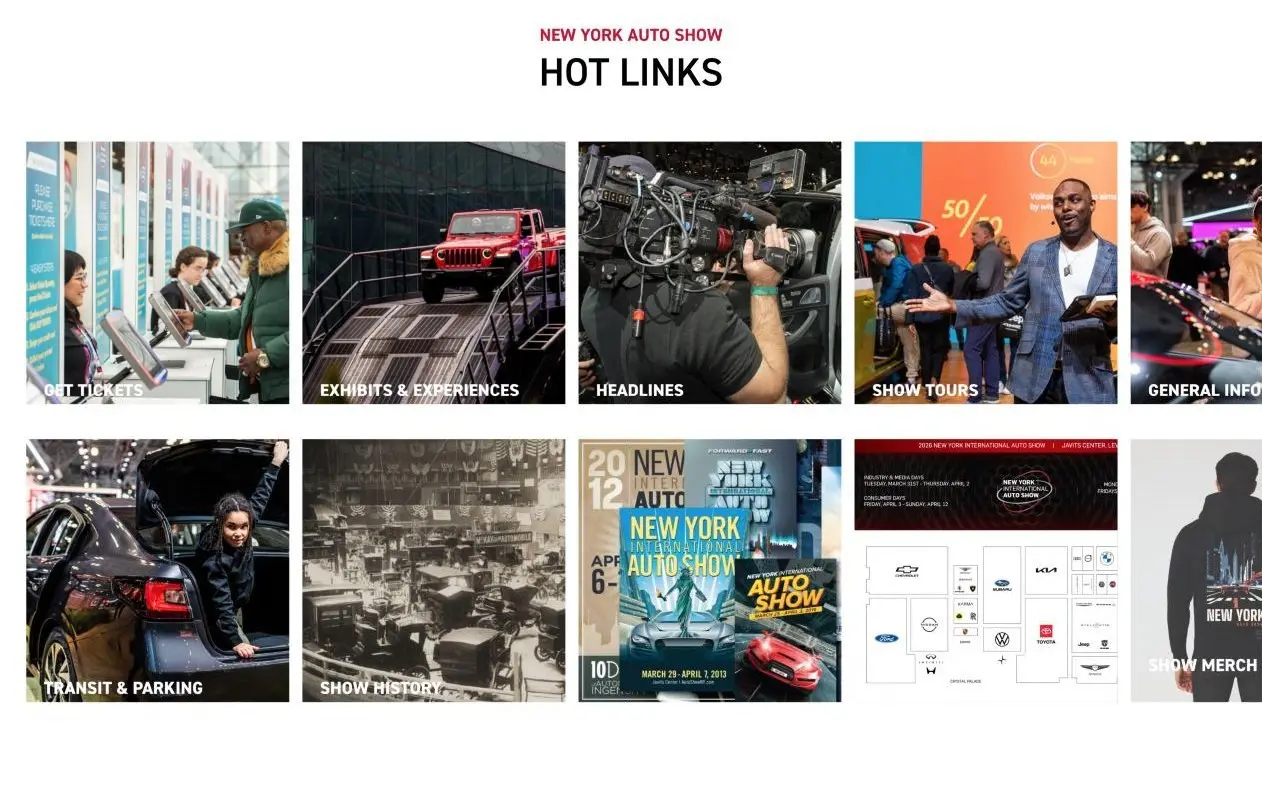
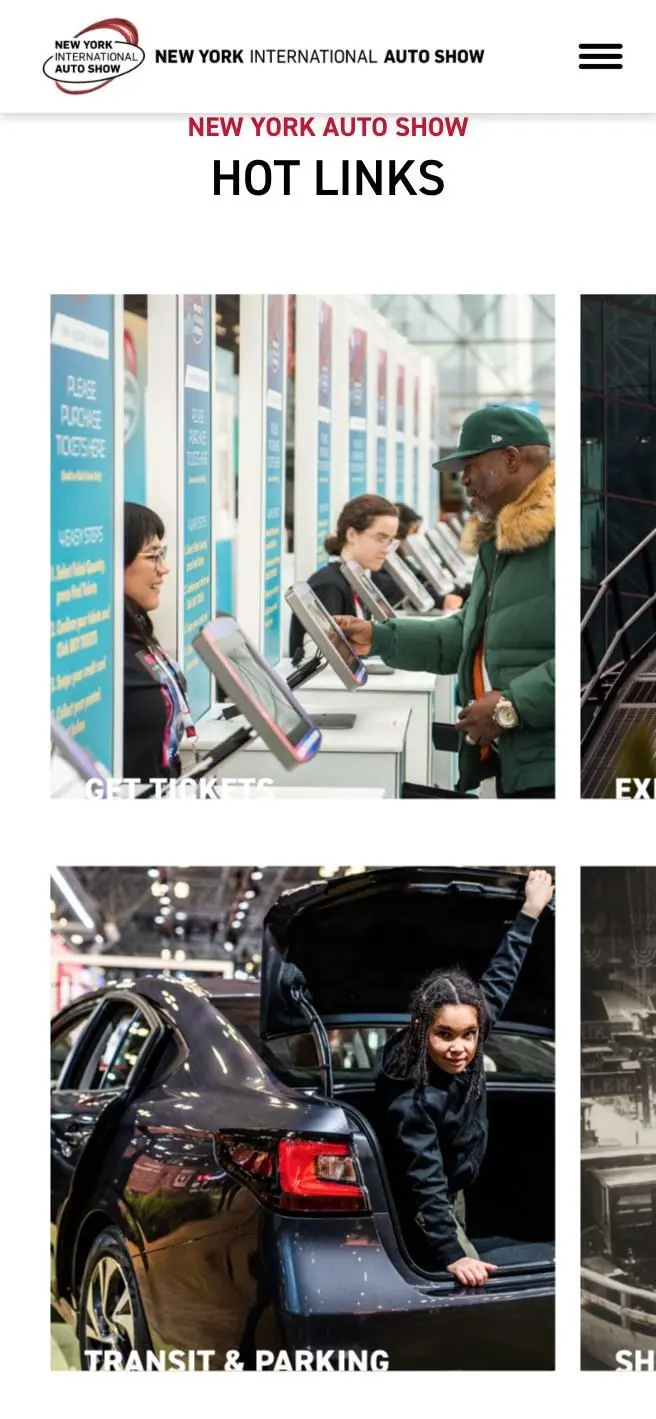
BeforeGet Tickets is one photo tile in a grid of ten, with its label in white over a busy photo. The grid runs off the right edge on both screens.

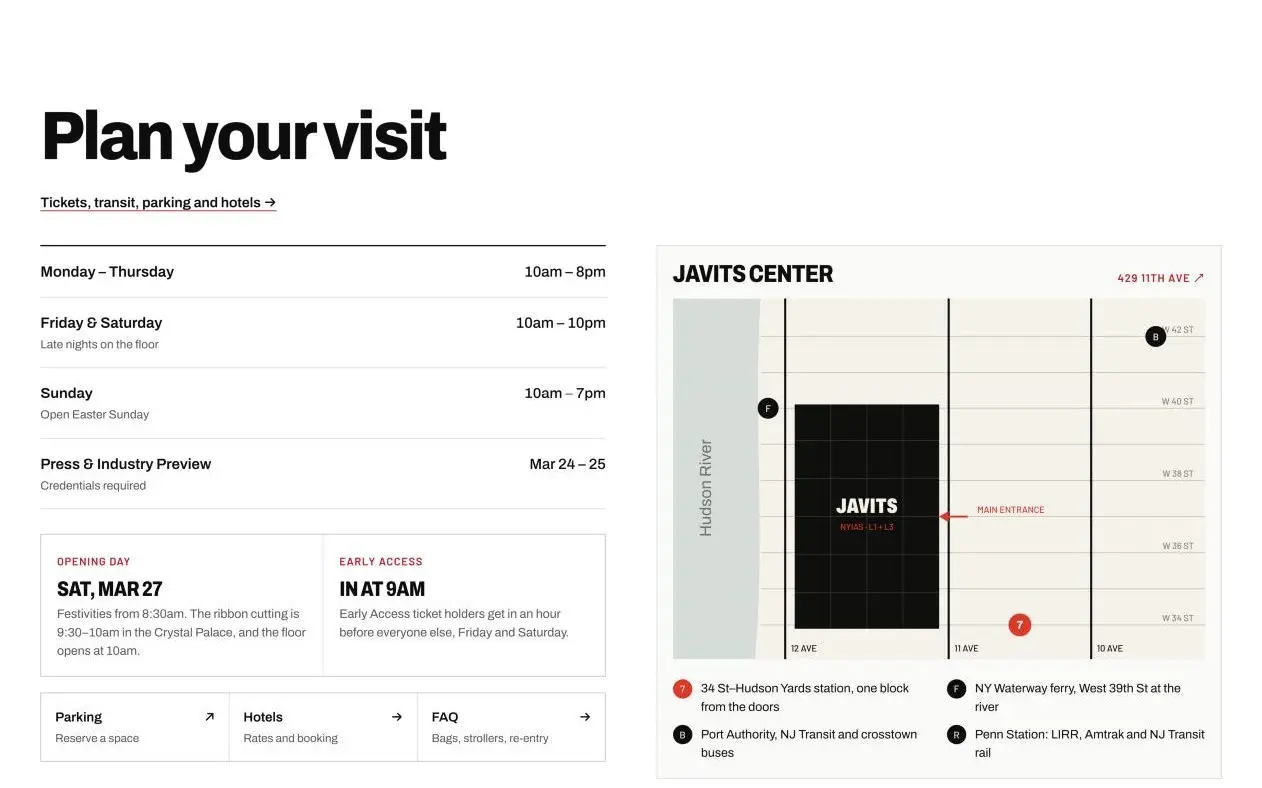
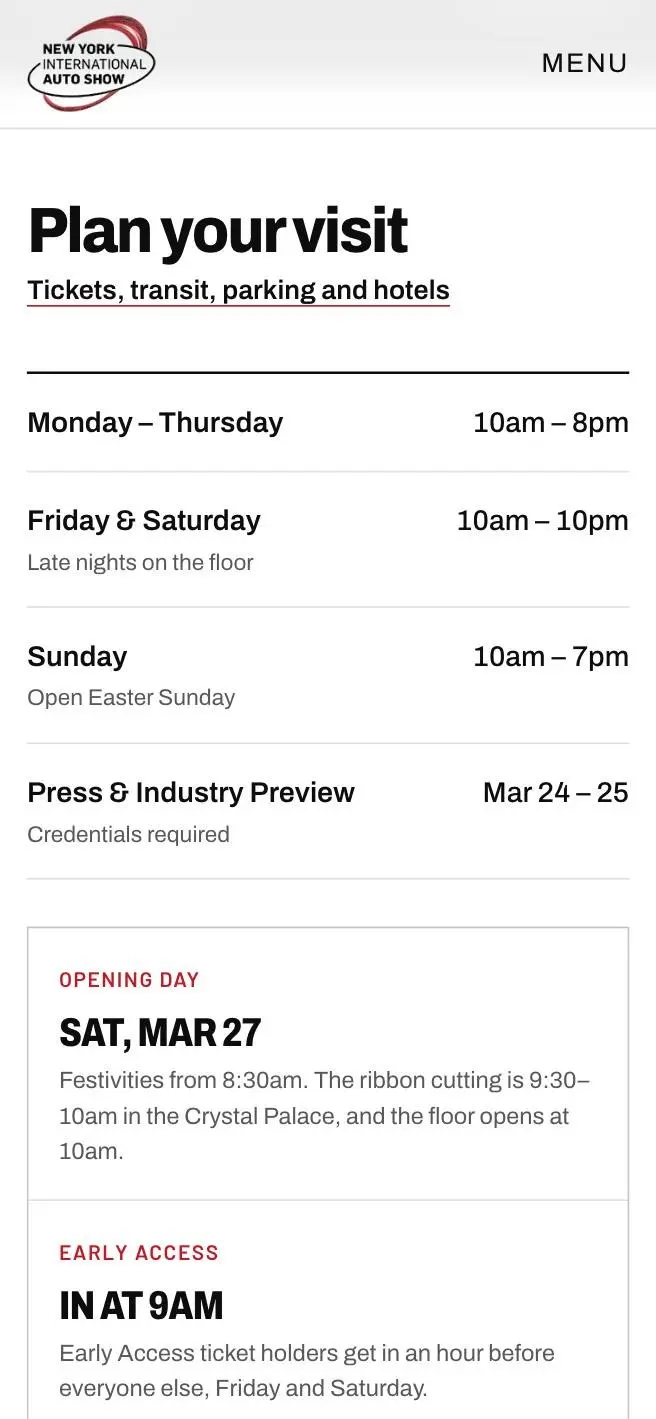
AfterHours by day, the press preview, opening day and early access in one place, with tickets, transit, parking and hotels linked at the top.

BeforeBefore: Old home page hot links grid with Get Tickets as one photo tile, desktopBefore: Old home page hot links grid with Get Tickets as one photo tile, phone
AfterAfter: New plan your visit section with hours by day, opening day and early access, desktopAfter: New plan your visit section with hours by day, opening day and early access, phone

Key features

Debuts on a departures board

Last year's debuts as a split-flap board: make, model and status. Hover a row and the car comes up below with its story.

Every tile is a live character, not an image. Each one runs through a few random letters before it lands, so the board settles left to right like the real thing. With reduced motion on, it just shows the words.
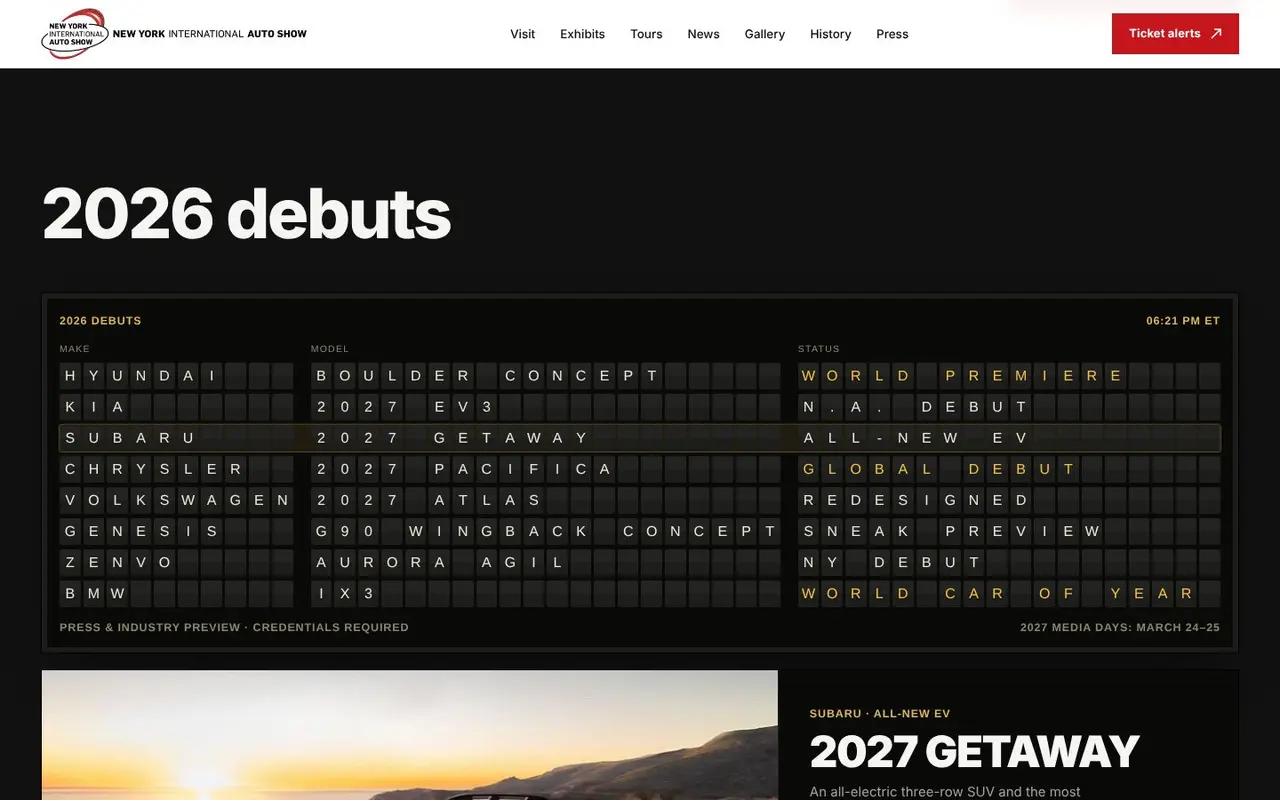
The 2026 debuts shown as a split-flap departures board

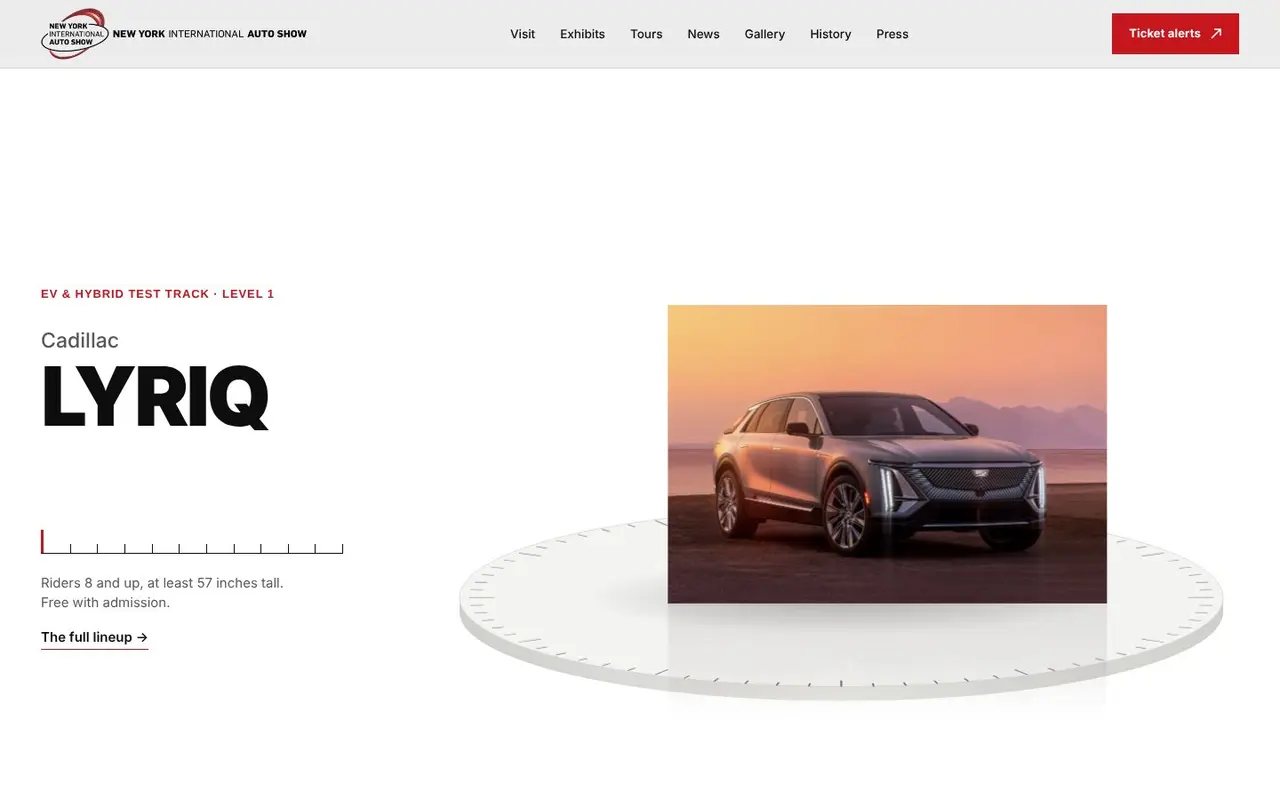
The test track on a turntable

Scroll and the cars on the EV and hybrid test track come round one at a time, with the rider rules beside them.

The section pins while you scroll and a ruler under the name tracks which car you're on. The platform is drawn in SVG and CSS, so the only images are the cars.

Cadillac Lyriq on the turntable in the EV and hybrid test track section
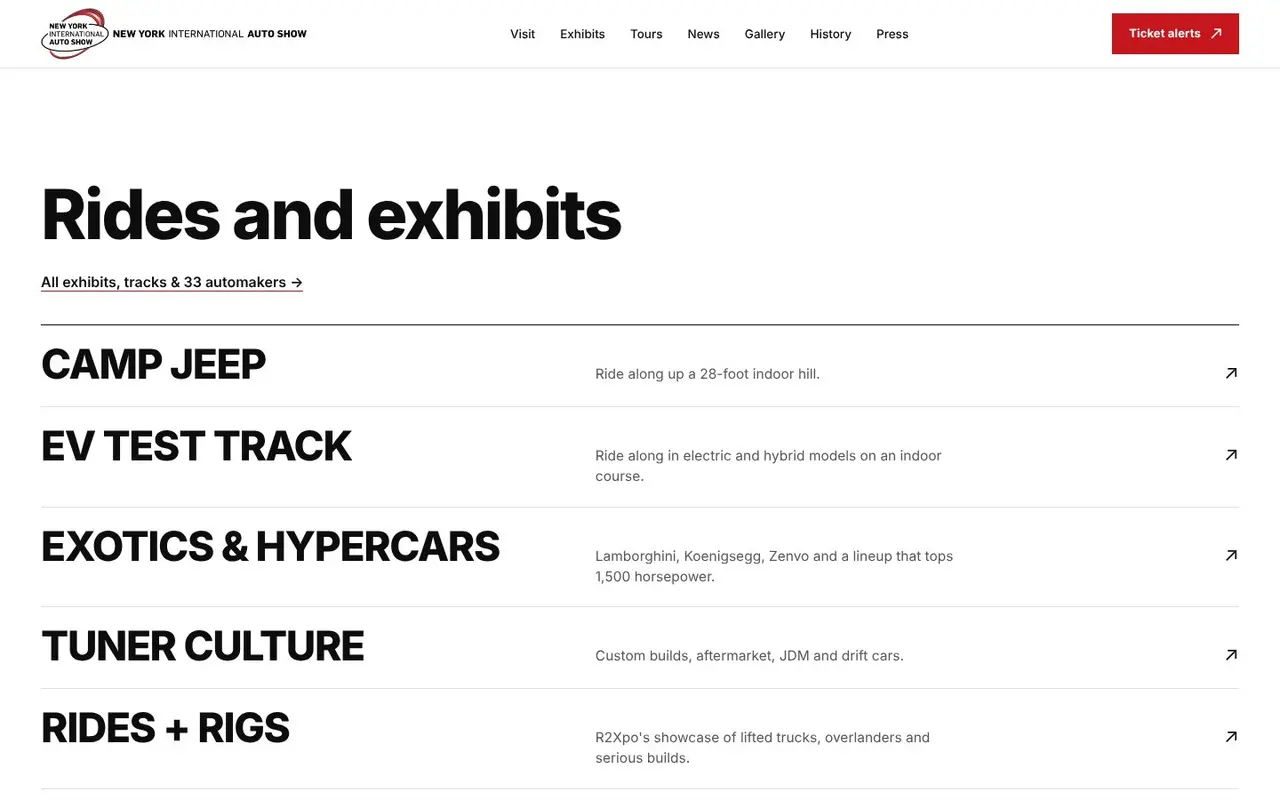
Rides and exhibits list on the new auto show site

Rides and exhibits as a list

Camp Jeep, the EV track, exotics, tuner cars and the rest, each with one line on what it is.

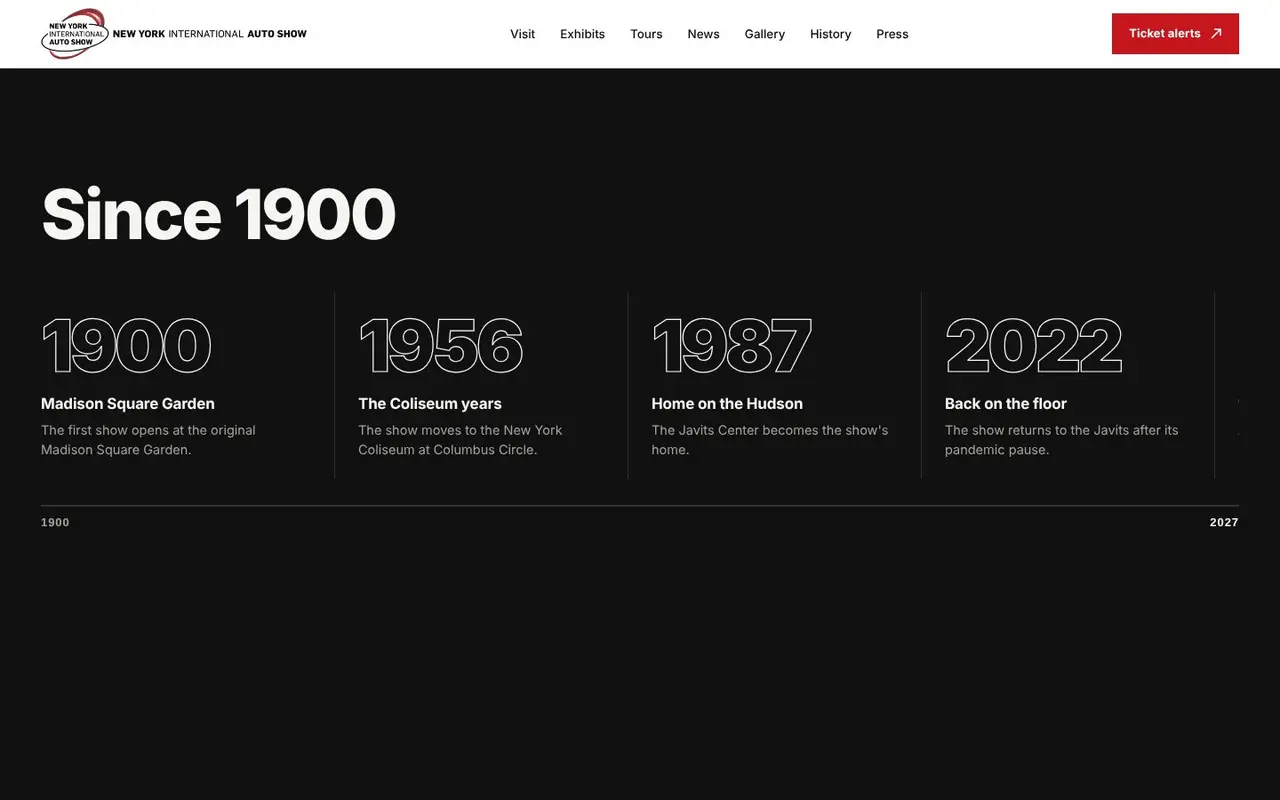
Since 1900 history timeline

Since 1900

The show's history as a timeline, from Madison Square Garden to the Javits.

Built to be edited

A back end for the show staff

The show runs on WordPress, so we rebuilt the back end around how the staff actually work. Editors land on the jobs they do every week, every editable part of the site sits on one screen, and every change is logged with what it was before.

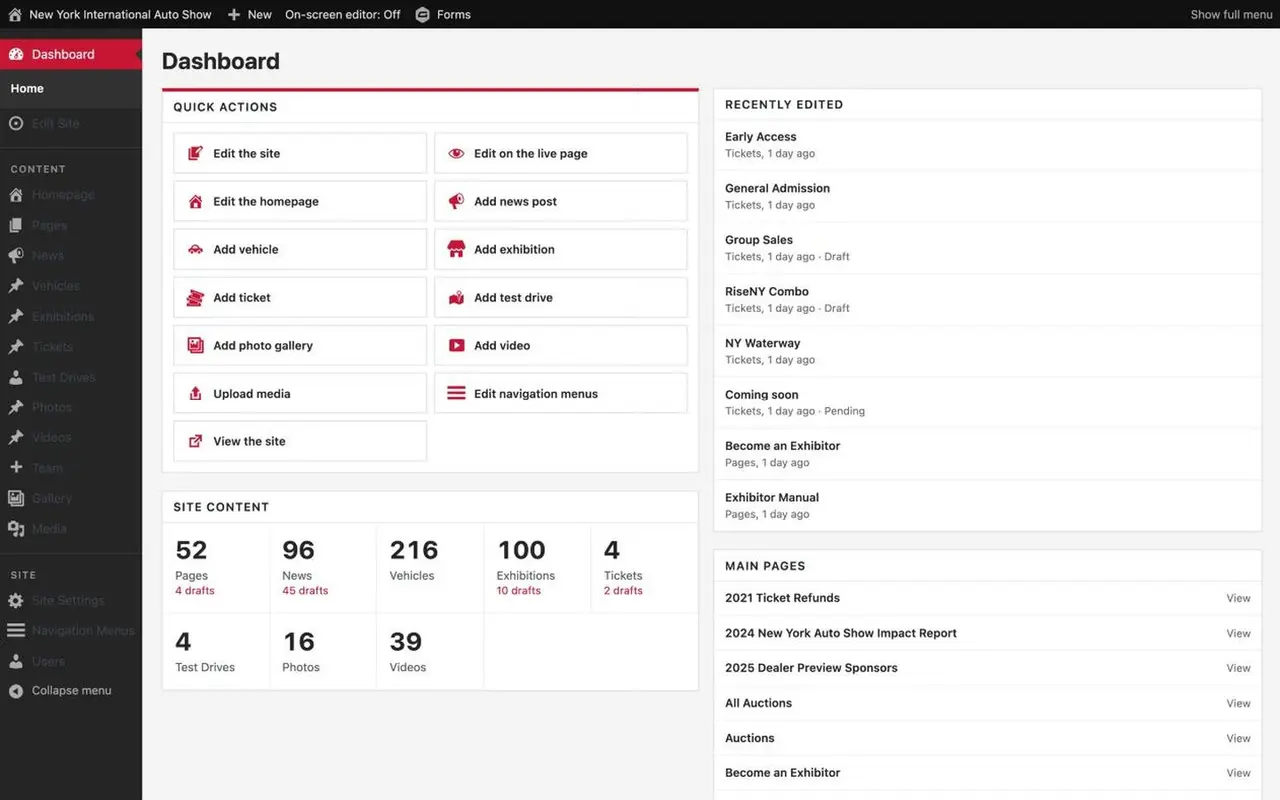
  • A dashboard of quick actions for news, vehicles, exhibitions, tickets and galleries
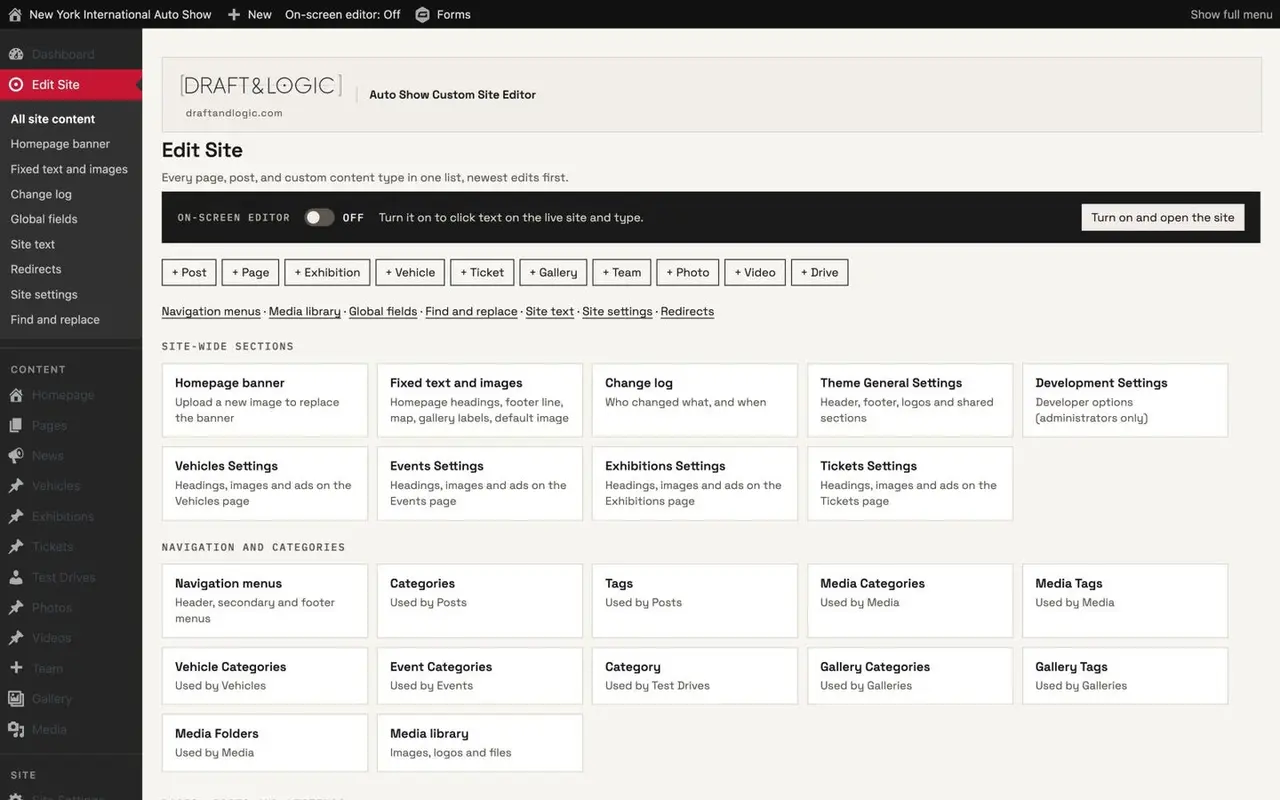
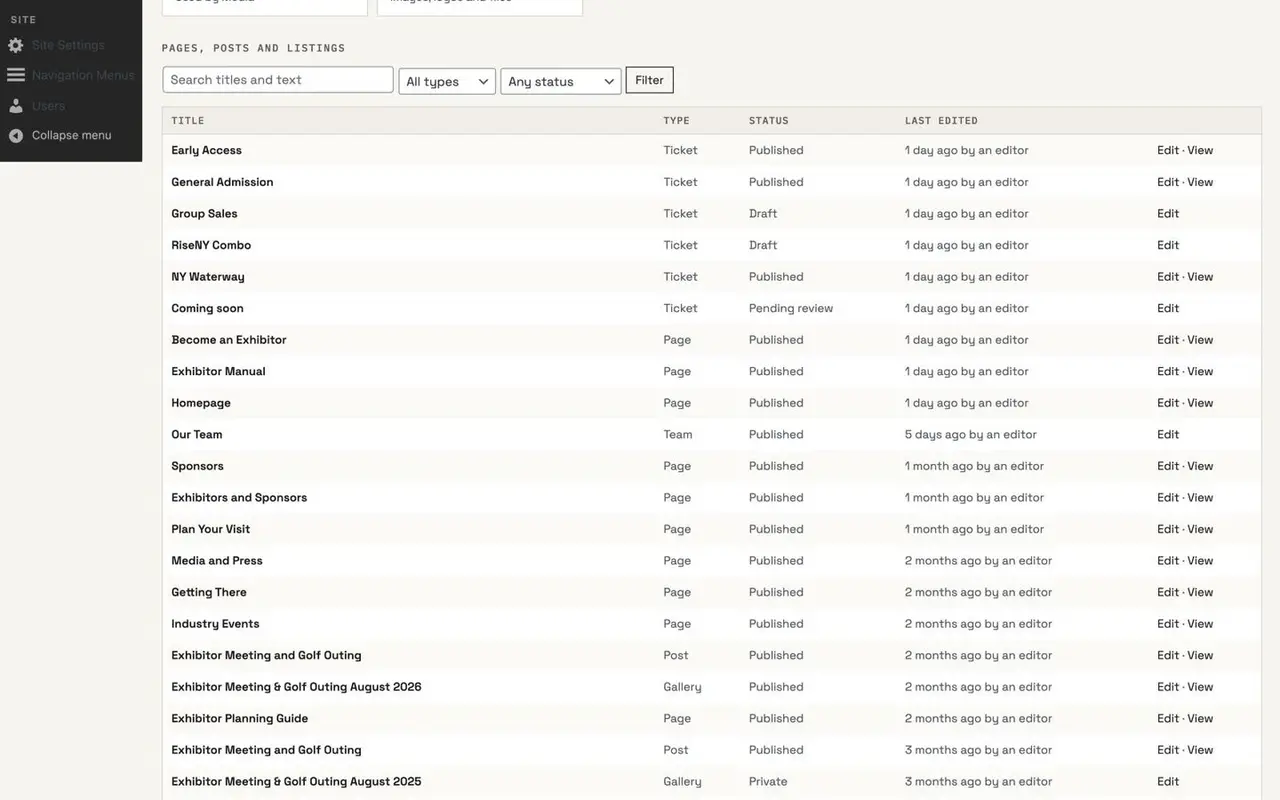
  • Edit Site: every page, post and listing in one list, newest edits first
  • All 18 site-wide sections, from the homepage banner to the footer, in one place
  • An on-screen editor: switch it on, click text on the live site and type
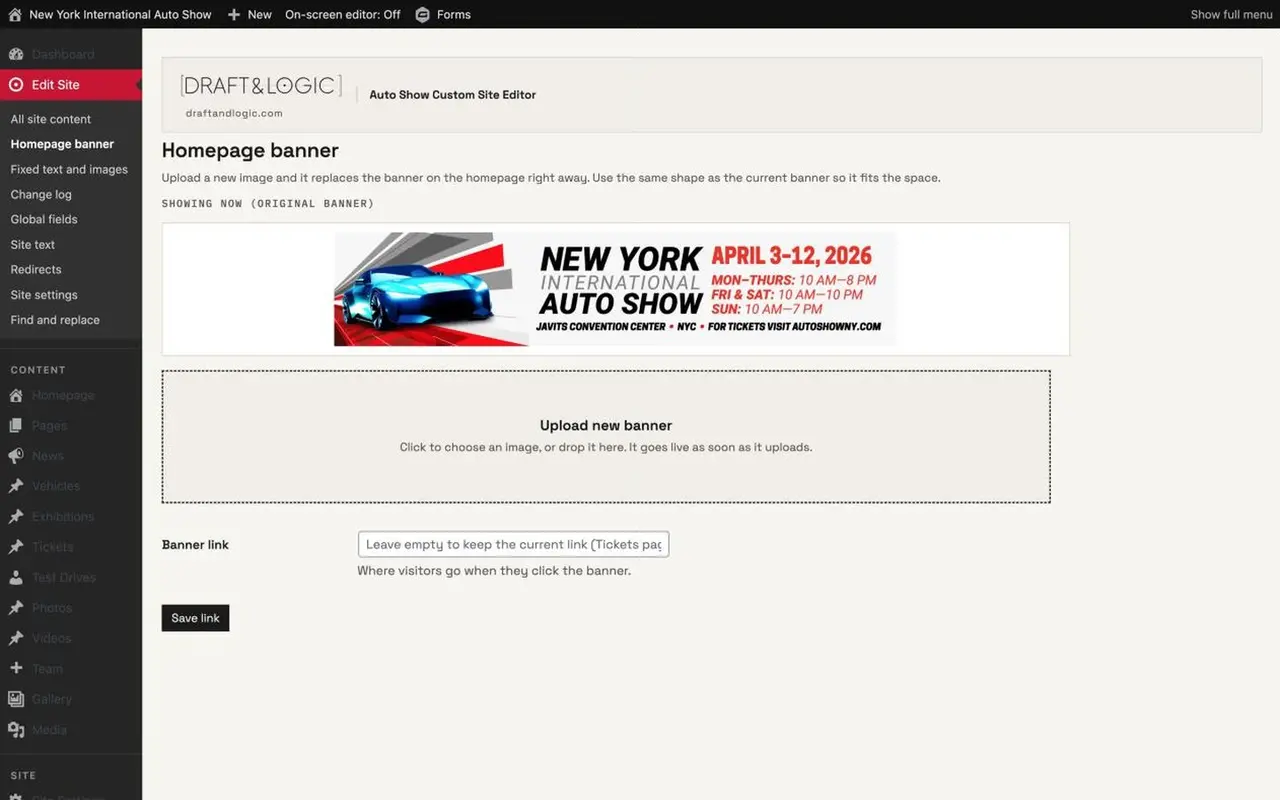
  • A new homepage banner by dropping in an image
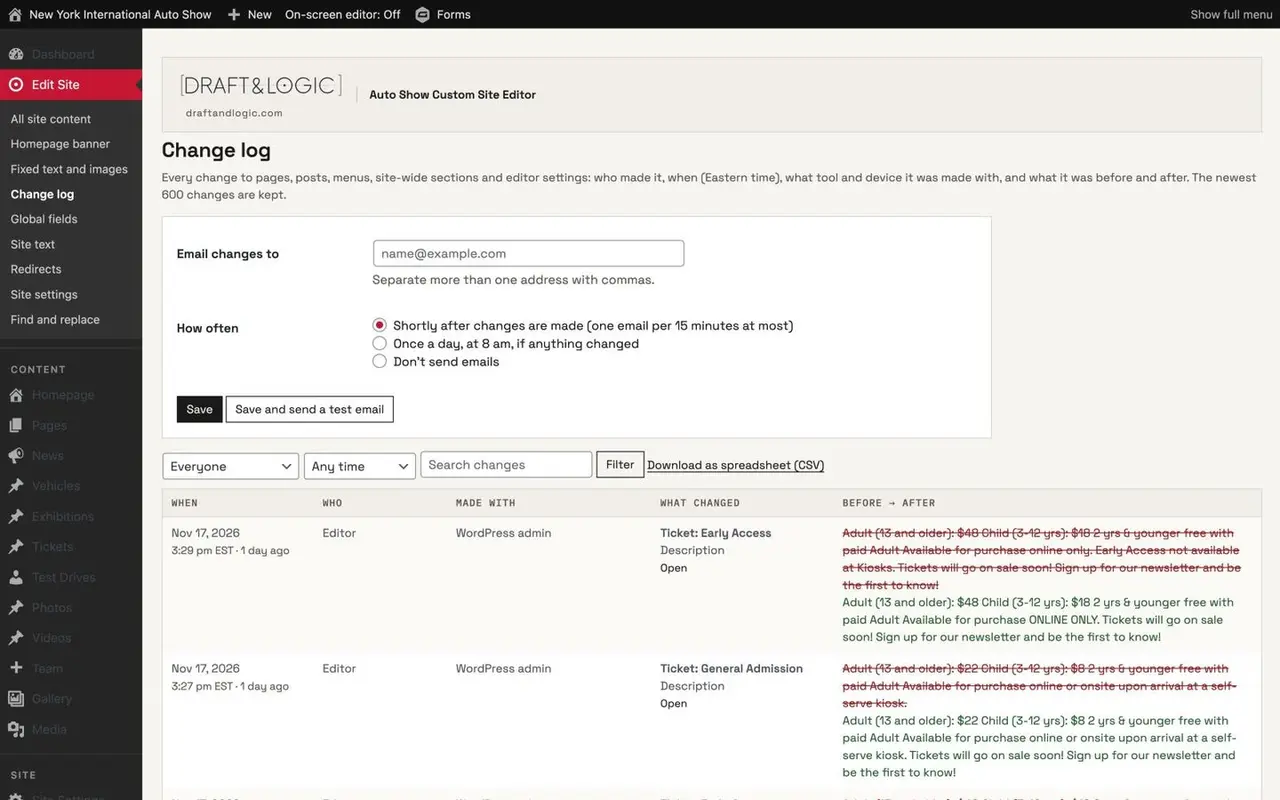
  • A change log with before and after, emailed to the team
  • A trimmed menu, with the full WordPress menu one click away for admins
Auto show WordPress dashboard with quick actions and content counts
The dashboard: the week's jobs first
Edit Site screen with the on-screen editor switch and site-wide section cards
Edit Site: every section of the site on one screen
List of every page, post and listing with type, status and last edited
Every page, post and listing in one list
Homepage banner screen with the current banner and an upload area
Swap the banner by dropping in an image
Change log showing when, who, what changed and before and after
The change log, with before and after

What it should move

Projected from published research. We'll replace these with the show's own numbers after launch.

Related work

Have a project?

We’d love to chat about all things digital. Let’s connect.

Email us

hello@draftandlogic.com